Ready for your
Airbnb photo shoot?
Prepare every room, plan your photographs and arrange access with one practical checklist.
Use the shoot checklist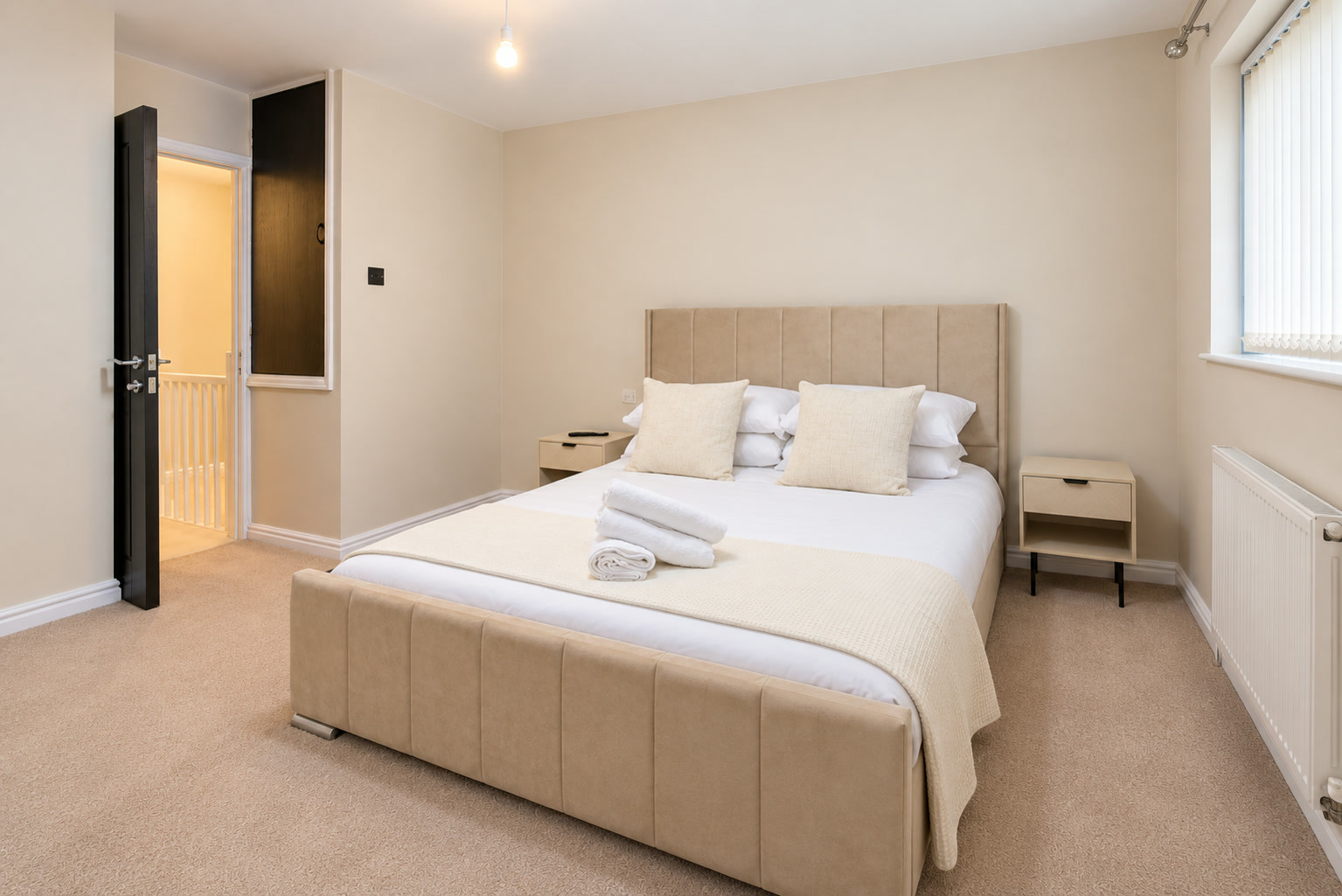

- Cover every guest space
- Give each bedroom and bathroom a place in the brief.
- Prepare the real accommodation
- Use the furniture, linen and amenities guests will receive.
- Bring a practical checklist
- Tick, print and use the final walkthrough before the camera arrives.
In this guide
Start with the rooms, then choose the photographs
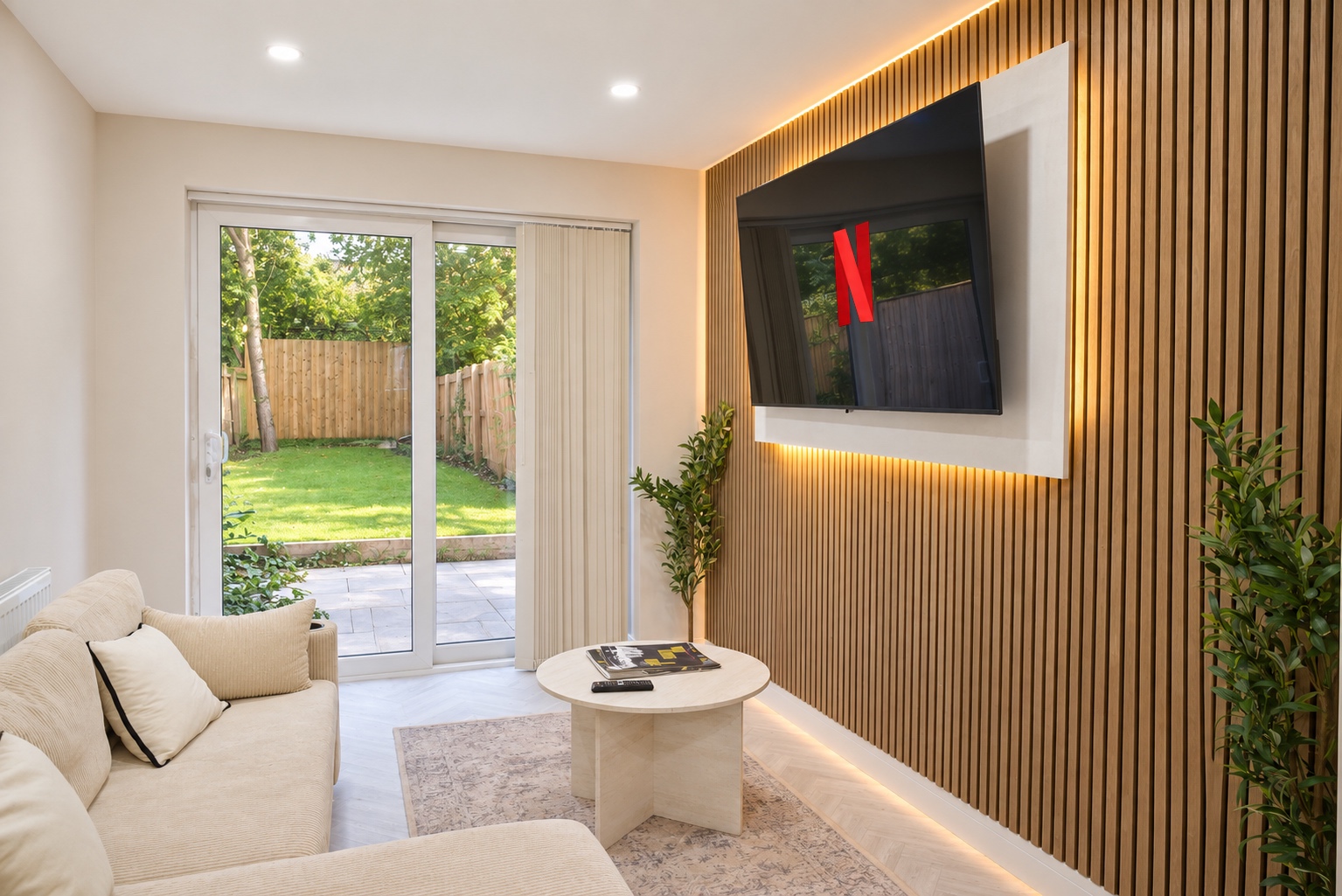
Walk the property as a guest would arrive. Make one room list for a direct shoot or your own photography:
- Entrance, every bedroom and every bathroom.
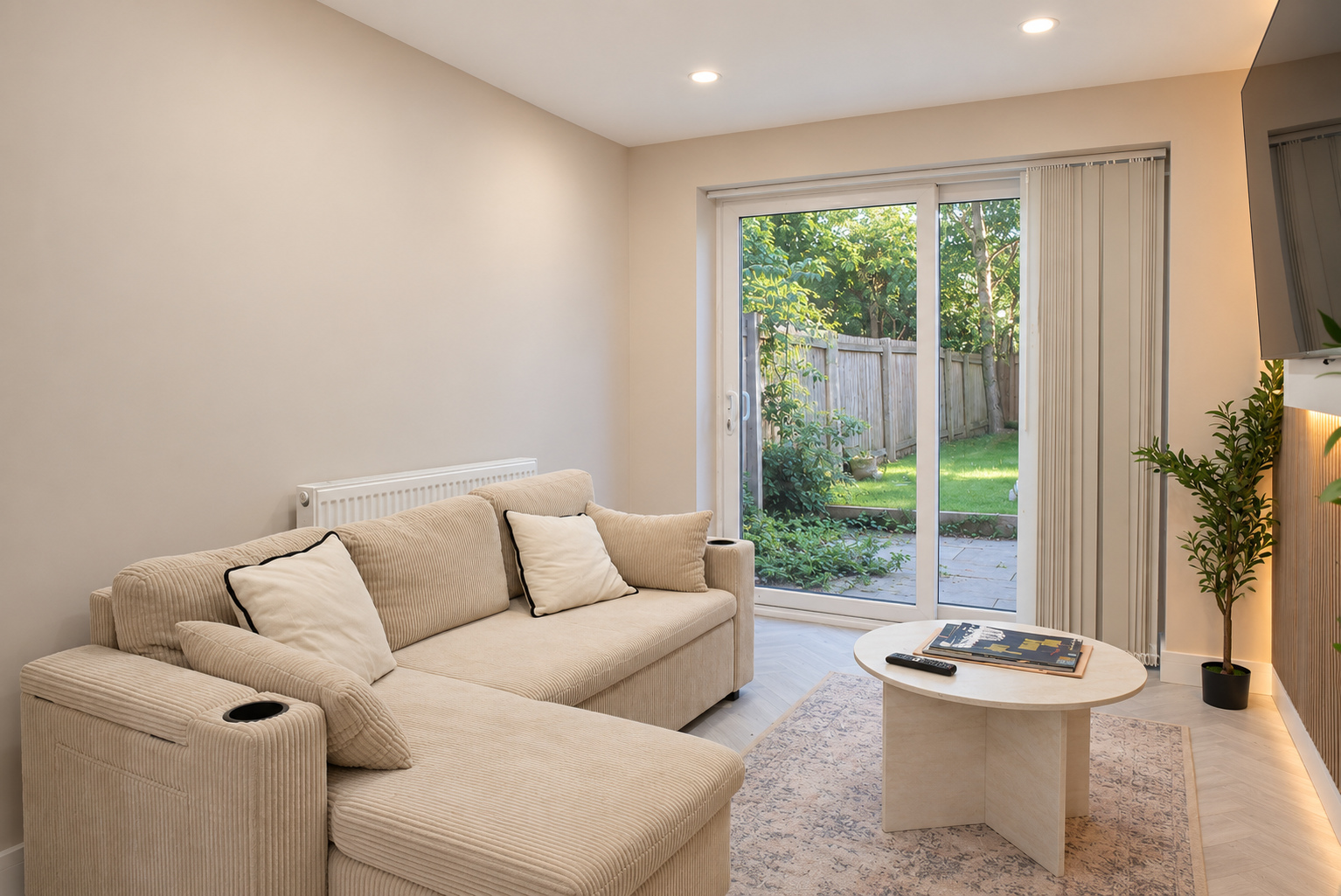
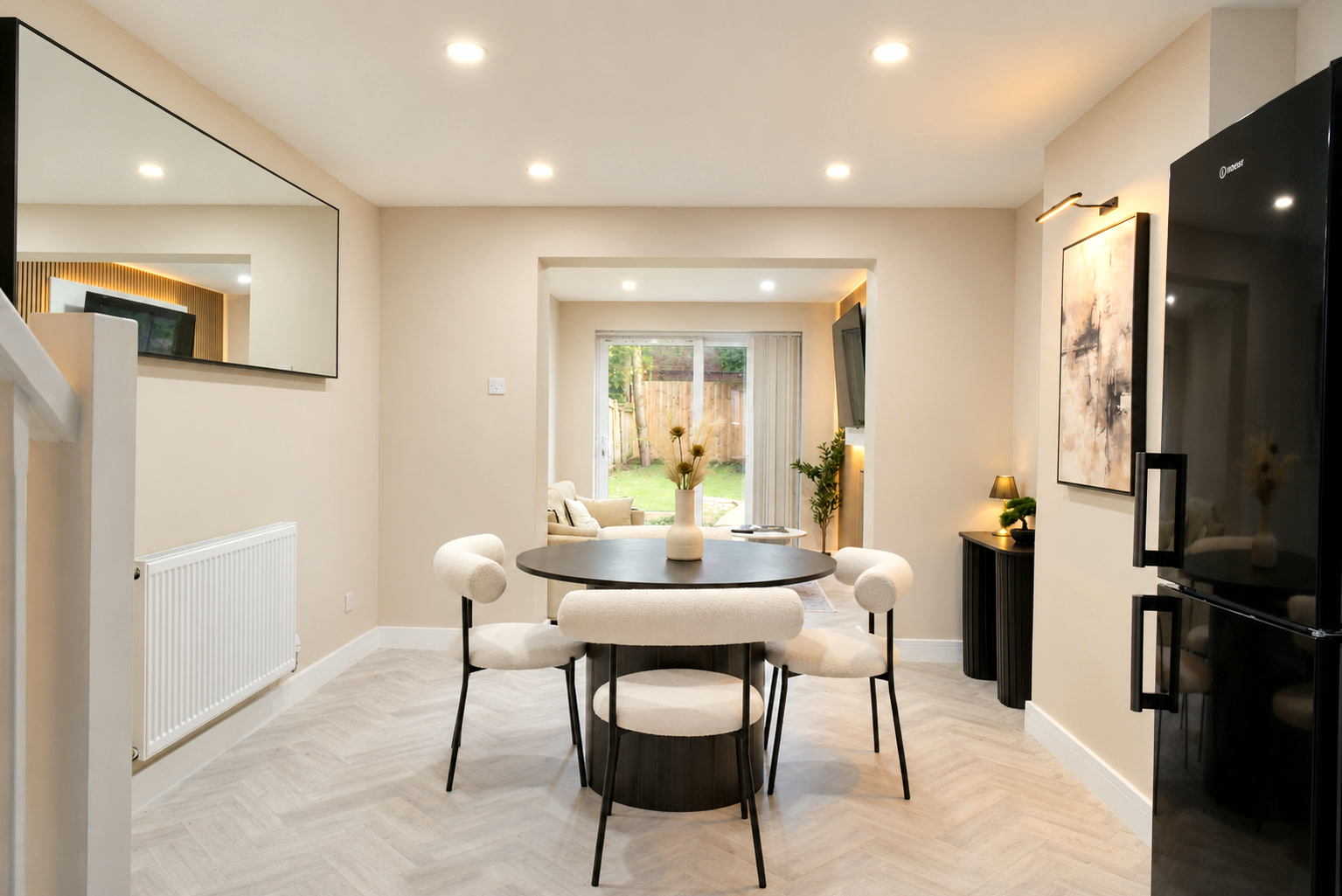
- Living spaces, kitchen and dining area.
- Usable outdoor spaces and shared facilities.
- Amenities needing context: a desk, washing machine or parking.
Mark what is private, shared or restricted. Our Cardiff short-let and serviced-accommodation photography uses this brief to explain the stay, including smaller rooms and the connections between them.
Approved for Airbnb’s Pro Photography programme. Airbnb asks for at least one photo per room or space for it to appear in the photo tour. Read its photo-tour guidance.
Start with a main view. Add a second angle when it explains something new, then details after the room itself is clear.
Prepare what the guest will actually find
Clean the property and finish repairs before the shoot. Use the linen, furniture and working amenities guests will receive. A setup removed before check-in makes the photographs less useful.
- Clear personal paperwork, private information and spare packaging.
- Check mirrors, windows and screens for distracting reflections.
- Clean glass and straighten curtains.
- Leave safety equipment in its actual position.
- Inspect every room after cleaning and before photography.
Use this room-by-room shot plan
| Space | Main view | Useful supporting view |
|---|---|---|
| Living room | Seating, usable space and connections to windows or rooms. | Dining connection, desk or offered sofa-bed setup. |
| Each bedroom | Actual beds and natural room proportions. | Storage, bedside access or en-suite doorway. |
| Kitchen | Cooking area, worktops and main appliances. | A supplied appliance or dining connection not yet shown. |
| Each bathroom | Layout, including bath, shower or both. | A shower entrance, basin or hidden feature. |
| Garden, balcony or terrace | Usable area and actual boundaries. | Access, seating or the real view. |
| Arrival and exterior | Correct building and entrance. | Steps, arrival route or actual parking. |
Explain each sleeping arrangement. In a studio, show how the bed, seating and kitchen share the room. If you offer a sofa bed, show where it opens and how the space works.
Use supporting views to resolve uncertainty. A desk close-up cannot show sitting space; a balcony detail cannot establish whether it is shared.
Find useful light and keep proportions natural
Check the rooms near the planned shoot time. Note direct sun, darker rooms and window views. Clean glass and open curtains help, but strong sun and mixed lamp colours may need different approaches.
- Keep the camera level when taking your own photographs.
- Move your position first before choosing an extreme view that stretches furniture at the edges.
- Compare with the real room. Check pale walls, windows and dark corners together; the space should be readable and look its actual size.
- Review the set together. Changing linen colours or a much darker bathroom can reveal inconsistent finishing.
Flag difficult light while agreeing the brief.
Give a Cardiff shoot a practical access plan
Make arrival straightforward. Give the photographer:
- The full address, postcode and correct entrance.
- A working contact and a way to get inside.
- Parking or permit arrangements and building-entry instructions.
- Permission to photograph shared facilities.
Keep security codes in the private booking handover, outside public captions. Confirm when cleaning finishes and allow a final walkthrough.
During shorter autumn and winter days, agree the time while there is enough daylight. Settle the approach to outdoor areas if weather could make them unsafe or unrepresentative.
Use this printable preparation checklist
Your shoot preparation checklist
Use this for one property. Repeat the room checks for every room in your brief. Tick what is ready, then print a copy for whoever opens up.
0 of 20 items checked.
Ticks stay on this page until you reload it. No account or email is needed. You can also print the article with your browser.
Keep the gallery accurate, including access claims
Show the accommodation guests can book. Airbnb’s host ground rules prohibit misleading imagery, including digital edits hiding damage or adding absent amenities.
Repair problems and photograph the repaired space. Keep furnishing proposals separate until the real room matches.
- Accessibility: an entrance image alone cannot establish a step-free route. Check the feature definition and required photographs.
- Changes of level: show real stairs where they explain the stay.
- Parking: establish whether the space is dedicated, shared or paid.
- Shared facilities: confirm access and restrictions before describing them.
Check Airbnb’s accessibility-feature requirements before selecting an amenity.
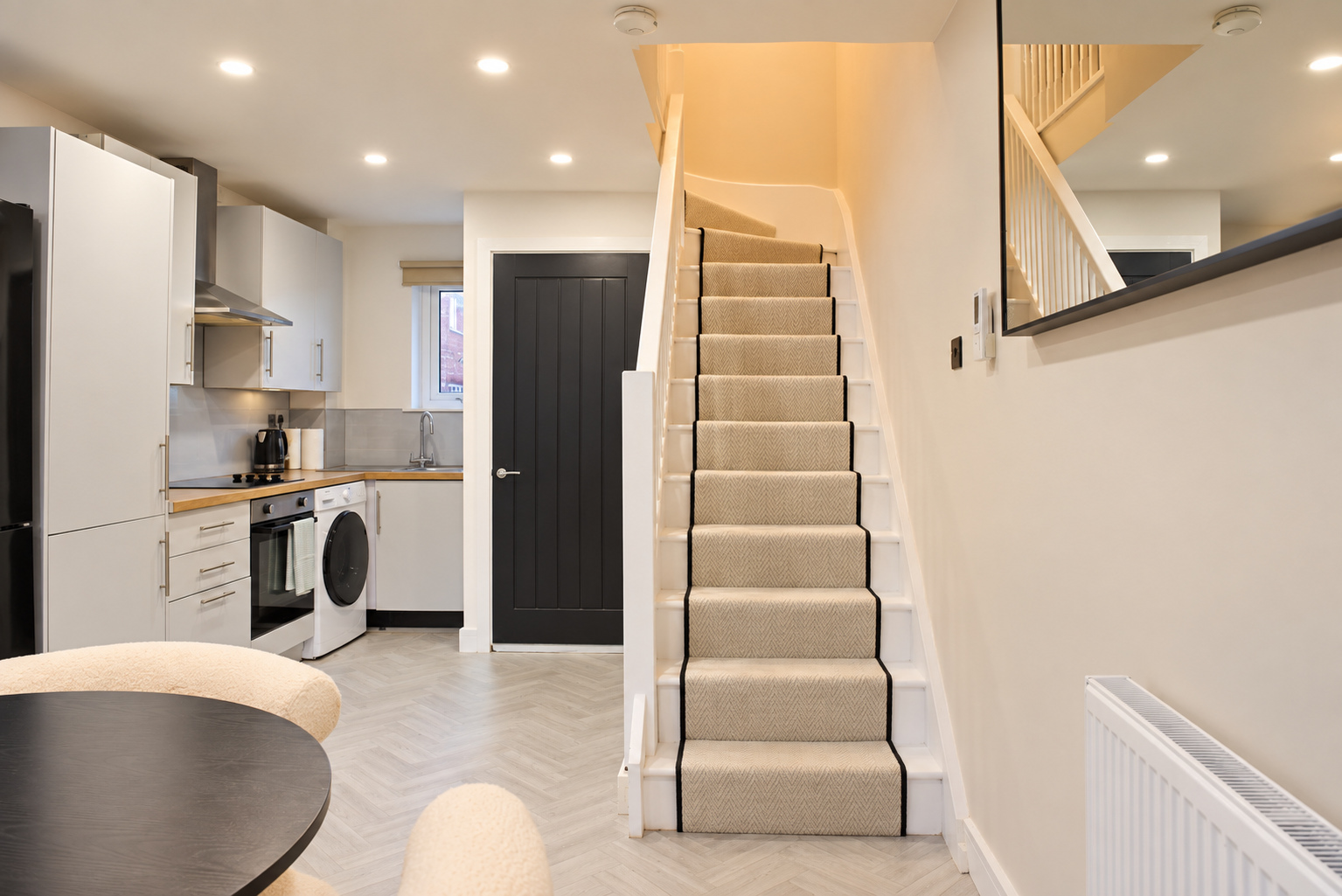
Check the uploaded gallery before calling it finished
Review the listing on a phone. Airbnb gives the cover and next four photographs prominent placement. Use them to introduce different useful parts of the stay.
Our launch and cover guide includes a crop exercise and opening-sequence plan.
- Assign each image to the correct room.
- Add factual captions where useful and include visual descriptions.
- Keep original files separately and check your licence covers each channel.
- Replace stale views when furnishings, sleeping arrangements or amenities change.
If coverage, difficult light or finishing needs a professional shoot, see the photography price for your room list. Your preparation checklist becomes the brief.